 Windows 95 online — NOS 95
Windows 95 in your browser
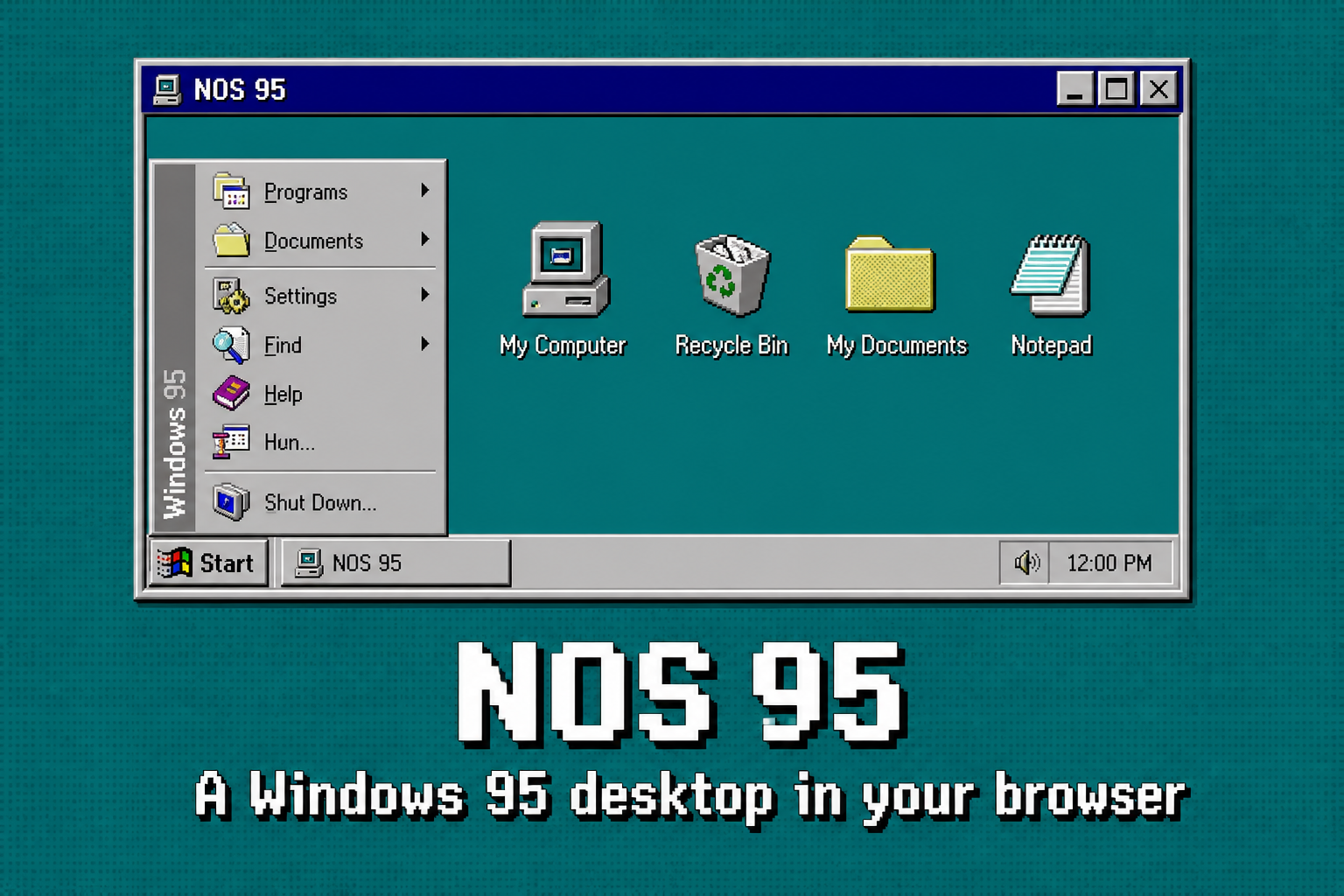
Search “Windows 95 online,” “Windows 95 in browser,” or “play Windows 95” and you usually get emulators that need an ISO. NOS 95 is the other option: a playable Win95-style desktop on the web with no disk image.
How to start (no emulator)
- Open https://nos95.com/.
- Wait for the teal desktop. That is the shell.
- Use Start, double-click icons, or press F1 for help. On phones, tap.
Windows 95 simulator vs NOS 95
A Windows 95 simulator or Win95 emulator tries to run the real OS. NOS 95 simulates the feel: Start menu, taskbar, bevels, Minesweeper, Paint, My Computer. It will not run installers from 1996. It will run in a phone browser.
More on that distinction: retro Windows and the FAQ.
What you get online
- Nostalgic / old Windows chrome (95/98 era)
- Games and tools including Minesweeper and Paint
- NS Code if you want to write new software
- Optional cloud save when signed in
Last updated 30 August 2026. Canonical: https://nos95.com/windows-95-online