 Retro Windows — NOS 95
Retro Windows 95 in your browser
Want retro Windows without hunting for ISOs? NOS 95 boots a nostalgic Windows 95 look in the tab you already have: teal wallpaper, grey inset bevels, a Start button, a taskbar, and overlapping windows.
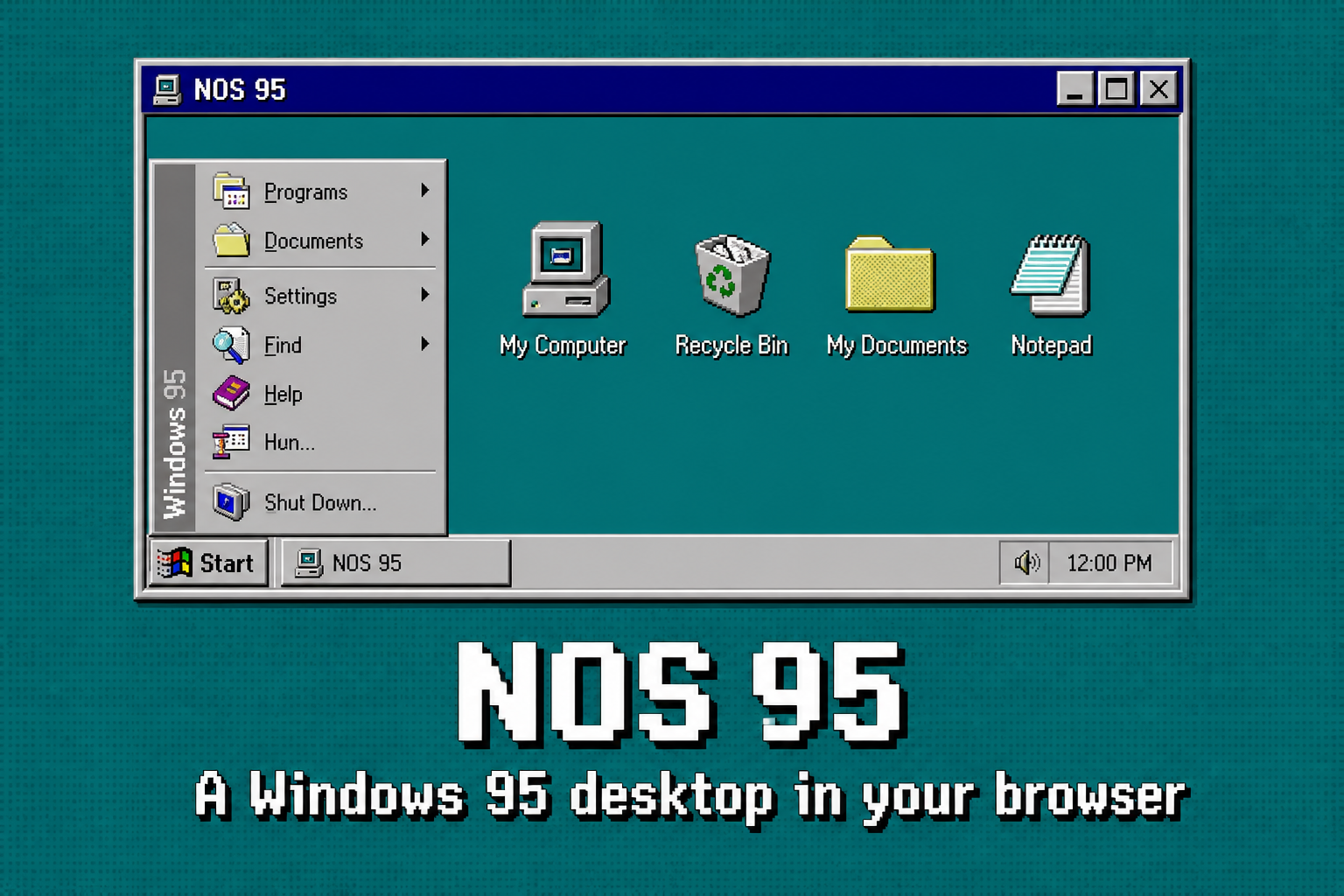
Nostalgic Windows, not a museum screenshot
“Nostalgic Windows” and “old Windows” usually mean 1995–98: chunky 3D buttons, navy title bars, that grey. NOS 95 is built to feel like that desktop — clickable, noisy — as a modern web app. Open Paint, play Minesweeper, rummage through My Computer. Nothing installs on your PC.
If you searched for a Win95 emulator
A Win95 emulator executes real Windows 95. That needs a legal disk image and often a VM. NOS 95 is the other product: a playable retro desktop that does not emulate Microsoft Windows. You will not launch Win32 binaries. You will get the Start menu, the sounds, the games, NS Code, and Noms.
Use an emulator for 1990s commercial software. Use NOS 95 to hang out in old Windows chrome. Also see Windows 95 online.
FAQ
- Where do I get retro Windows in a browser?
- Open nos95.com.
- Is this a Win95 emulator?
- No. Original software. No disk image.
- Mobile?
- Yes.
- Free?
- Yes.
Last updated 30 August 2026. Canonical: https://nos95.com/retro-windows